- Home /
- Help Center /
- I can't connect to the Sanremo YOU with BeanConqueror
I can't connect to the Sanremo YOU with BeanConqueror
- Lars Saalbach
- Hardware , Sanremo you
- March 26, 2026
Table of Contents
If you are having trouble connecting your Sanremo YOU to BeanConqueror (whether in normal mode or Baristamode), please follow these troubleshooting steps:
1. Check the IP Address
Make sure the IP-Address entered in BeanConqueror is correct. You can look on the machine’s display to find its current IP address.
2. Restart App and Machine
If the machine was left on overnight and the app was also connected overnight, the connection might have dropped or become stale.
- Make sure that you close BeanConqueror completely and open it up again.
- If this does not help, please restart the Sanremo YOU machine or restart the WiFi module (via the machine’s WiFi settings).
3. Verify Local Network Access
If all of this does not work, try to access the machine’s IP address from your laptop or another device on the same network to ensure it is reachable.
4. Network Stability & Device Variations
The stability of your WiFi network is a crucial factor for a seamless connection. Additionally, the smartphone or tablet you are using (iOS or Android) can make a huge difference: depending on the device’s built-in WiFi chip and the general load on your network, you might experience lags or temporary disconnections.
5. Auto-Reconnect Feature
To improve stability, Beanconqueror includes a safety feature that automatically attempts to reconnect to the Sanremo YOU if the connection is lost. The app will try to reconnect up to 10 times. If a connection still cannot be established after these attempts, an error popup will be shown.
6. Best Practices for Daily Use
For the best experience, we recommend starting the Sanremo YOU machine fresh each day, as well as restarting the Beanconqueror app daily. While we have conducted load and performance tests over several days without finding any issues, refreshing your connection daily and avoiding stale sessions can help prevent unexpected behavior.
7. Send Us the Logs
If accessing the IP address doesn’t work or you are still facing issues:
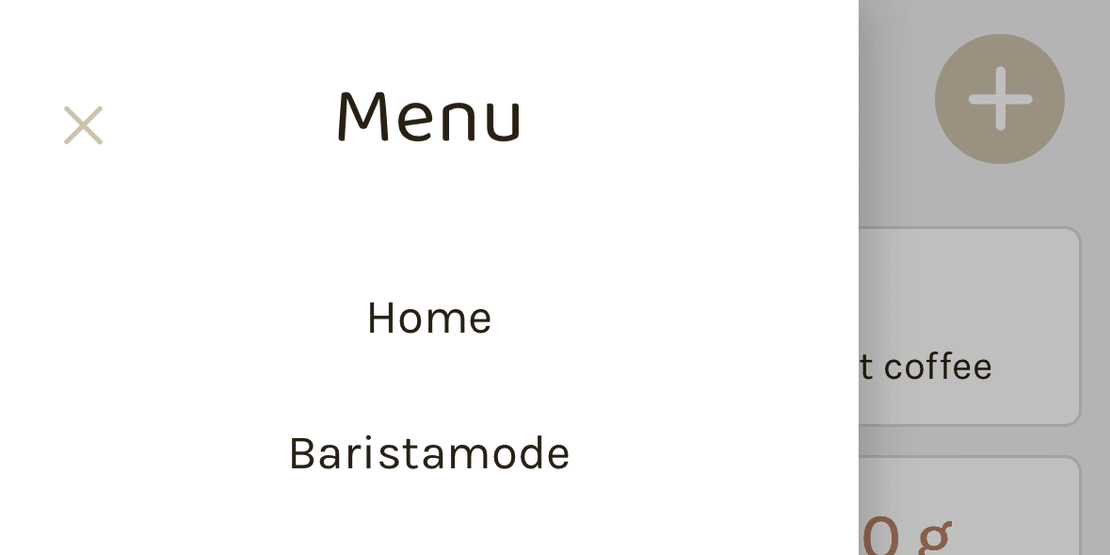
- Go to Menu -> About Beanconqueror -> Logs.
- Send us the logs at [email protected] so we can have a look.
Make sure you reproduce the issue right before you grab the logs, and do not close BeanConqueror before sending them, because logs are not persistent and will be cleared upon restart!